
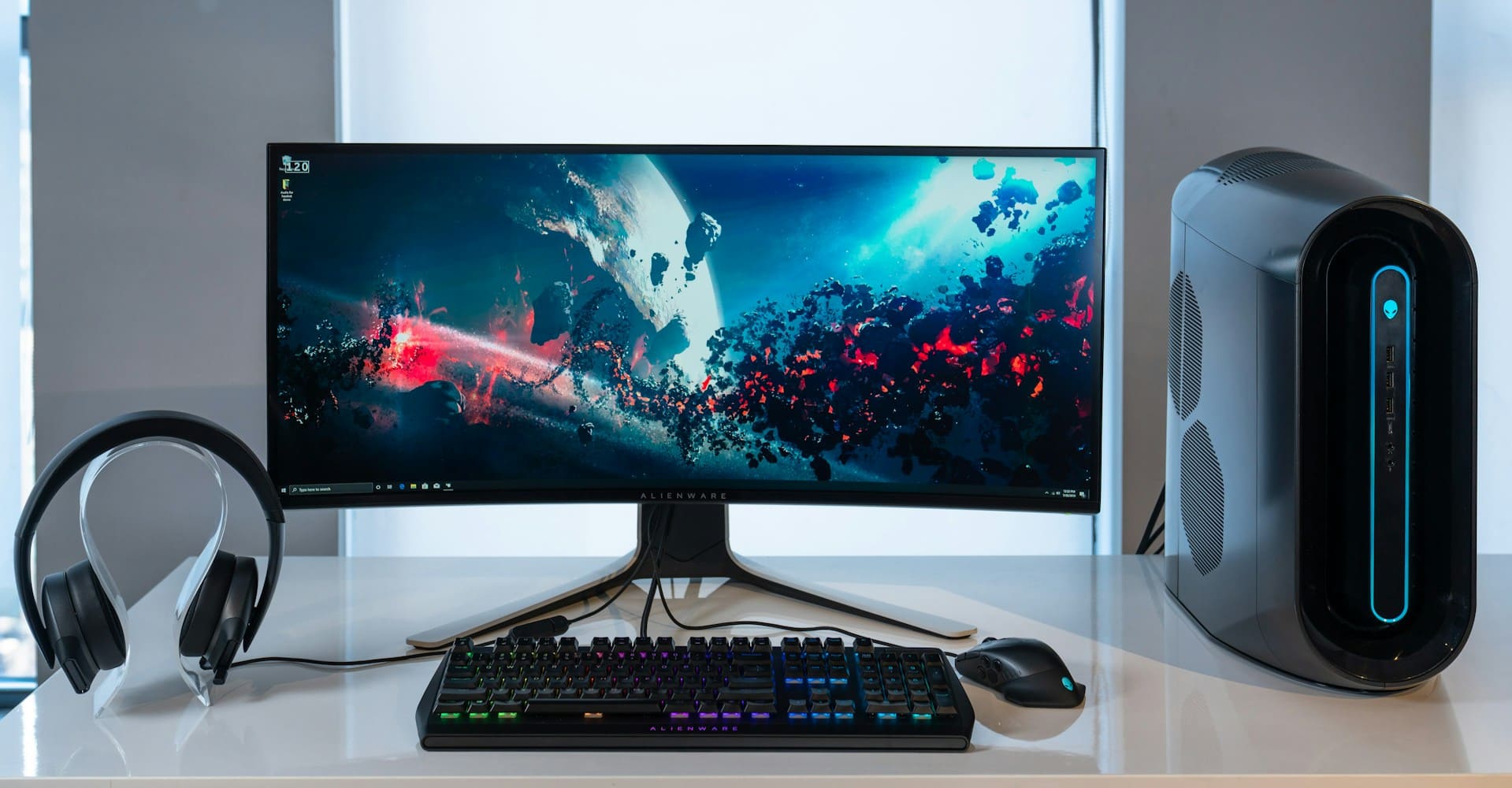
Shipping a desktop computer is intimidating for good reason. Your PC is heavy, fragile, and often worth more than anything else you'll mail this year. A hard hit can snap the graphics card or CPU cooler off the motherboard, and one drop on a corner can crack a tempered-glass side panel.
The good news: a desktop arrives safely far more often than not when you prepare it correctly. This guide walks you through the entire process, from backing up your data and pulling heavy components to choosing between USPS, UPS, and FedEx, estimating your shipping cost, and insuring the package for its full value. Follow these steps and your computer should arrive ready to power on.
Before You Pack: Prep Your Desktop
A few minutes of prep work prevents most of the problems that ruin a PC in transit. Handle these tasks before you touch any packing material.
Back up your data. Treat shipping as a worst-case scenario. Copy important files to an external drive or cloud storage so a lost or damaged package never means lost data.
Power down and disconnect everything. Shut the system off completely, unplug the power cable, and remove every peripheral: monitor, keyboard, mouse, speakers, and any USB devices. Coil the cables loosely and bag them separately so they don't rattle around inside the case.
Decide what to remove. This is the single most important decision you'll make. Modern desktops carry heavy components that can damage the motherboard if they're left installed and the box gets jolted. At minimum, you should remove:
- The graphics card (GPU). A heavy card hanging off the PCIe slot acts like a lever during a drop, which can crack the slot or the card itself. Remove it, wrap it, and ship it separately or in its own padded compartment.
- Large CPU air coolers. Tall tower coolers put enormous stress on the motherboard. If you have a hefty aftermarket cooler, take it off.
- Loose or heavy drives. Secure any drives that aren't bolted down firmly.
If your build is fairly basic, with an integrated GPU, a stock cooler, and SSDs mounted snugly, you may be able to ship it intact. When in doubt, remove the heavy parts.
Protect Against Static Electricity
Static discharge is an invisible threat. Even a small zap you can't feel can damage sensitive electronics, so this step matters as much as physical cushioning.
Place every removed component into an anti-static bag designed for electronics. Handle cards by their edges and avoid touching gold connectors or exposed circuitry. If you have an anti-static wrist strap, use it, and work on a non-conductive surface like wood or plastic rather than carpet. Once a component is sealed in an anti-static bag, you can wrap it in bubble wrap for impact protection.
How to Pack a Desktop Computer Step by Step
With your components removed and protected, you're ready to pack the tower and the parts. The method below is the standard professional shippers and carriers recommend.
1. Gather your supplies
You'll need a sturdy double-walled corrugated box, plenty of heavy-duty bubble wrap, foam sheets or packing peanuts, anti-static bags for components, plastic wrap, and quality packing tape. Expect to spend roughly $20 to $50 on materials. That's a small price next to the cost of replacing a damaged PC.
If you still have the manufacturer's original box with its molded foam inserts, that's the best packaging you can use. Inspect it to confirm the foam and cardboard are still intact.
2. Wrap the tower
Wrap the case in plastic wrap first to guard against moisture, then add several layers of heavy-duty bubble wrap. Tape the wrap so it stays snug. Some shippers position the tower so the motherboard faces down inside the box, which places less stress on installed components.
3. Wrap each removed component separately
Your bagged GPU, cooler, and any loose drives each get their own bubble-wrap cocoon. Don't let bare components touch each other or the bare walls of the box.
4. Build a cushioned base
Use a box large enough to leave at least 2 to 3 inches of space on every side of the tower. Lay down a 2-to-3-inch base layer of cushioning, set the wrapped tower in the center so it doesn't touch any wall, and fill every remaining gap with foam or peanuts. The goal is zero movement.
5. Consider double-boxing
For valuable or custom builds, place the packed PC box inside a second, larger box with another few inches of cushioning between them. Double-boxing adds a crucial layer of impact protection and hides any brand logos, which discourages theft.
6. Seal it and do the shake test
Seal all seams with packing tape in an H-pattern (across the center seam and both end seams) for maximum strength. Then pick the box up and gently shake it. If you hear or feel anything shifting, open it back up and add more padding. Nothing should move. Finish by applying your shipping label and any "Fragile" or orientation labels clearly on top.

Choosing a Carrier: USPS vs. UPS vs. FedEx
All three major U.S. carriers can ship a desktop, but they differ on size limits, pricing, and handling. Your choice usually comes down to the size and weight of your packed box.
USPS tends to offer the most competitive rates for lighter PCs, with Ground Advantage often the cheapest option. The catch is size: USPS generally won't accept packages exceeding 108 inches in combined length and girth, which rules out many full-tower builds once they're boxed and cushioned. If you're shipping a small form-factor or mini-tower PC, USPS is worth a quote.
UPS and FedEx handle larger and heavier desktops, accepting packages up to around 150 pounds and 165 inches in length plus girth. That covers virtually any PC tower. Both offer ground services that typically land a standard desktop in the $50-to-$100 range, plus expedited air options when you need speed. FedEx and UPS Stores can also sell you heavy-duty double-walled boxes and, for an added fee, offer pack-and-ship services where staff handle the packing for you.
Because pricing is calculated case by case, always run your exact box dimensions and weight through each carrier's official rate calculator (UPS, FedEx, and USPS each have one online) to compare real numbers for your route.
How Much Does It Cost to Ship a Desktop Computer?
There's no flat answer, because cost depends on size, weight, distance, speed, and the value you insure. That said, here's what to expect.
For domestic ground shipping, a standard desktop usually costs somewhere between $30 and $150, with most typical towers falling in the $50 to $100 range. Industry estimates put the average cost of shipping a PC closer to $265 once you factor in larger builds, faster service, packaging, and insurance.
A few things drive that number up:
- Dimensional weight. Carriers price bulky packages by their size, not just their actual weight. A desktop tower takes up a lot of cargo space, so its dimensional weight often determines the rate. A bigger box can cost more even if the contents are light, which is one reason not to over-size your packaging.
- Speed. Ground is the most economical choice and usually arrives in one to five business days. Overnight and two-day air can cost several times more. One commonly cited comparison showed a mini-tower shipping for around $44 on ground versus over $180 for first overnight.
- Surcharges. Watch for residential delivery fees (often around $6), large-package surcharges, additional-handling fees on heavy or awkward boxes, and variable fuel surcharges. These add up.
To save money, compare all three carriers, keep your box as compact as safe packing allows, and consider discounted-label shipping software if you ship regularly.
Should You Insure Your Shipment?
Yes. For anything beyond a budget build, insurance is essential rather than optional.
Most carriers include a default coverage of about $100, which won't come close to replacing a real desktop. You have two ways to cover the rest. You can declare the full value with the carrier and pay for added coverage, or you can buy third-party shipping insurance, which is frequently cheaper, offers broader protection (sometimes including porch theft), and tends to have a faster, simpler claims process.
Two practical tips: choose a service that requires a signature on delivery for valuable shipments, and if damage does occur, keep the item and all original packaging for the carrier's inspection. Throwing the packaging away can void your claim.
Shipping a Computer Monitor
Your monitor ships separately from the tower. Screens are pressure-sensitive and crack easily, so they need their own box and their own cushioning. Use the original monitor box and foam inserts if you kept them. If not, wrap the screen face in foam sheets, surround it with anti-static foam or air pillows, and box it with the same 2-to-3-inch cushioning rule on all sides. Never let anything press directly against the panel.
Shipping a Desktop Internationally
International shipping adds time and paperwork. Build in extra days for customs and duties, and list package contents clearly on the customs forms (for example, "used desktop computer, no separate batteries"). Be aware that most desktops contain a small lithium coin cell on the motherboard; this is generally permitted as a battery installed in equipment, but rules vary by carrier and you should confirm current mailability requirements before you ship. High-performance computers and devices with strong encryption can also fall under U.S. export regulations, so check whether your hardware is restricted before sending it abroad.
Frequently Asked Questions
Should I remove the GPU before shipping my computer? Yes, in almost every case. A heavy graphics card can crack its PCIe slot or the card itself during a drop. Remove it, seal it in an anti-static bag, wrap it in bubble wrap, and ship it separately or in its own padded compartment.
What's the cheapest way to ship a desktop computer? For lighter, smaller PCs, USPS Ground Advantage is often the lowest-cost option, sometimes starting around $30 to $40 cross-country. For full towers that exceed USPS size limits, UPS Ground and FedEx Ground are usually your most economical choices.
Do I need the original packaging? It's ideal but not required. The manufacturer's box with molded foam offers the best protection. If you don't have it, a double-walled corrugated box with 2 to 3 inches of cushioning on every side does the job.
Can I ship a desktop with the side panel glass installed? Tempered-glass panels are fragile and a known weak point. If your case has one, add extra padding around it, or remove the panel and wrap it separately when possible.
How long does it take to ship a desktop? Ground service typically takes one to five business days domestically. Expedited air options can deliver in one to two days at a significant premium.
The Bottom Line
Shipping a desktop computer safely comes down to a handful of disciplined steps: back up your data, remove and individually protect the heavy components, guard against static, cushion the tower with 2 to 3 inches of padding on all sides, seal the box with an H-tape pattern, and pass the shake test before it leaves your hands. Pick the carrier that fits your box's size and weight, get a real quote from their rate calculator, and insure the package for its full replacement value. Do those things and your PC arrives in the same condition it left, ready to plug in and power on.